
01Swipe to browse photos. On desktop, click the glowing edges to change photos. Use the left and right arrow keys when focused. Select the center of a photo to view the watch.
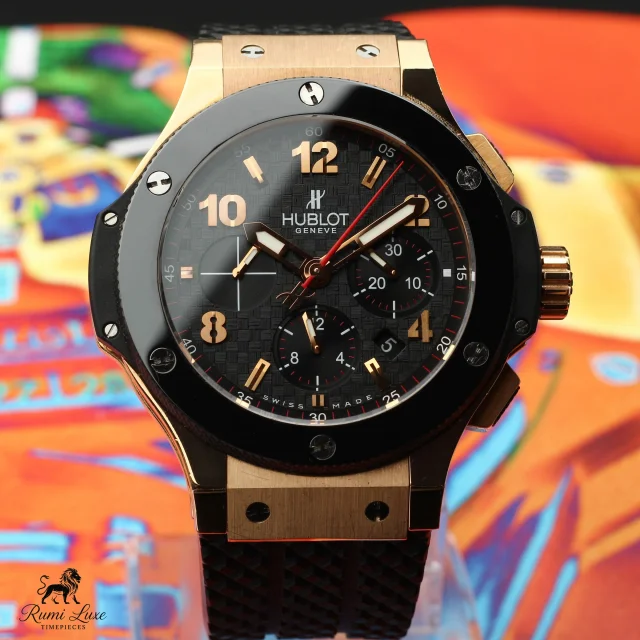
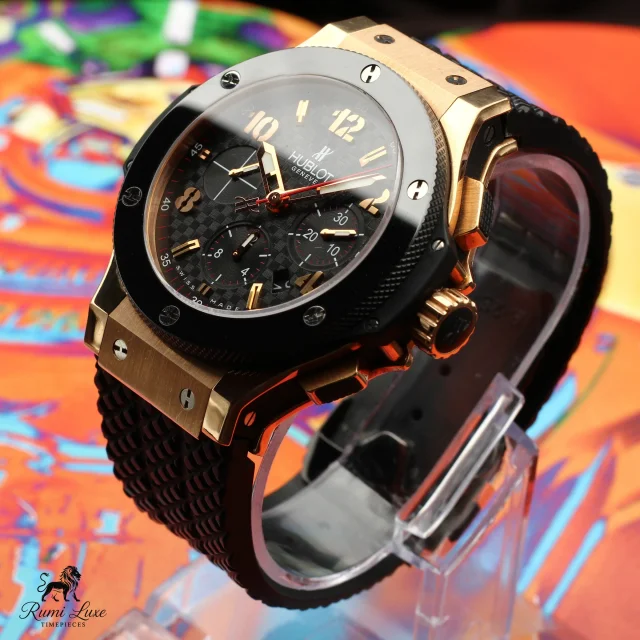
HublotBig Bang 44mmCurrent & past inventory
The collection.
Browse by brand, refine the details that matter, and open any watch for its complete presentation.
44Current and previously handled watches
02Swipe to browse photos. On desktop, click the glowing edges to change photos. Use the left and right arrow keys when focused. Select the center of a photo to view the watch.
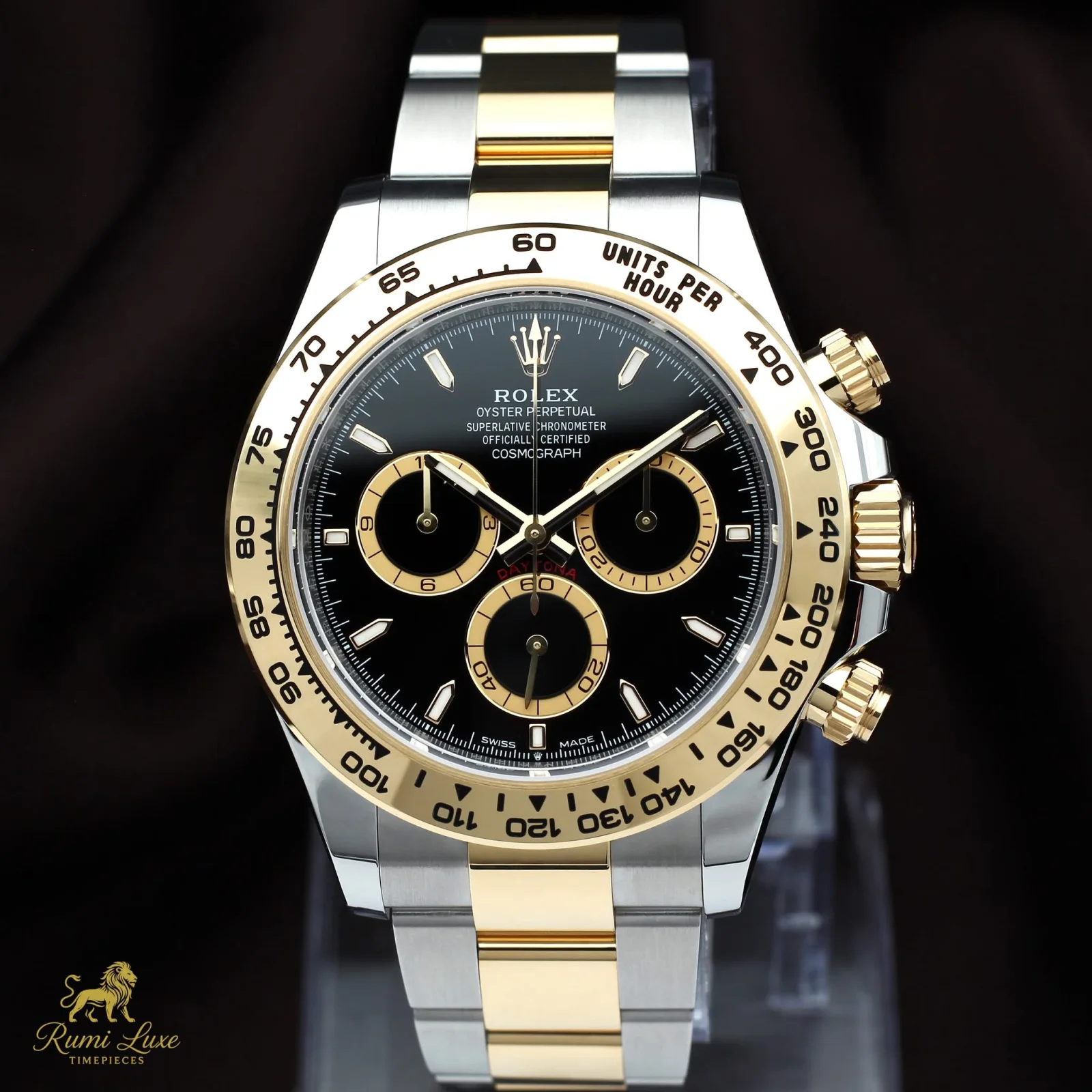
RolexDaytona

03Swipe to browse photos. On desktop, click the glowing edges to change photos. Use the left and right arrow keys when focused. Select the center of a photo to view the watch.
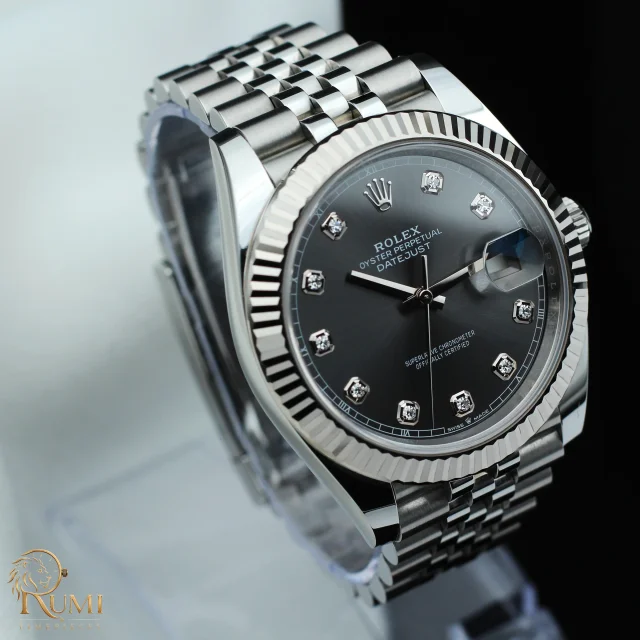
RolexDatejust Rhodium Dial
04Swipe to browse photos. On desktop, click the glowing edges to change photos. Use the left and right arrow keys when focused. Select the center of a photo to view the watch.
CartierTank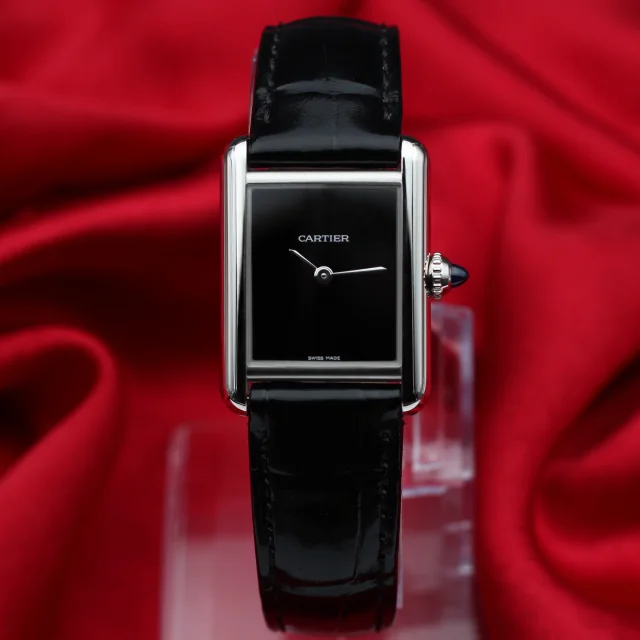
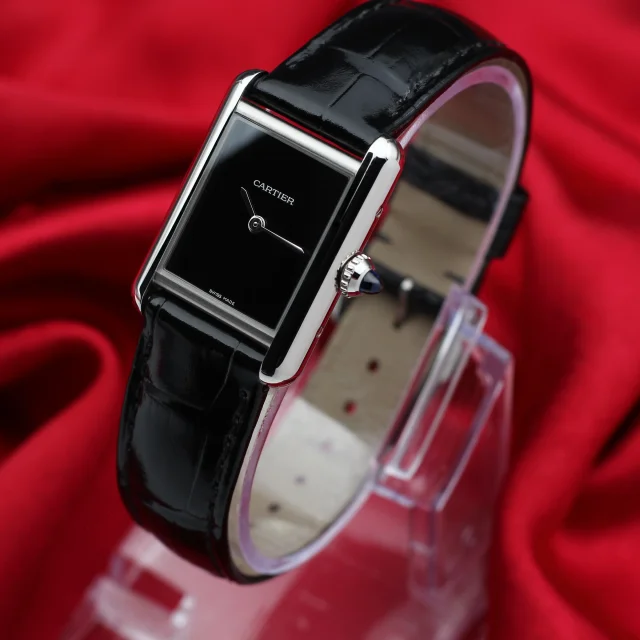
05Swipe to browse photos. On desktop, click the glowing edges to change photos. Use the left and right arrow keys when focused. Select the center of a photo to view the watch.
IWCPilot Chronograph Le Petit Prince Edition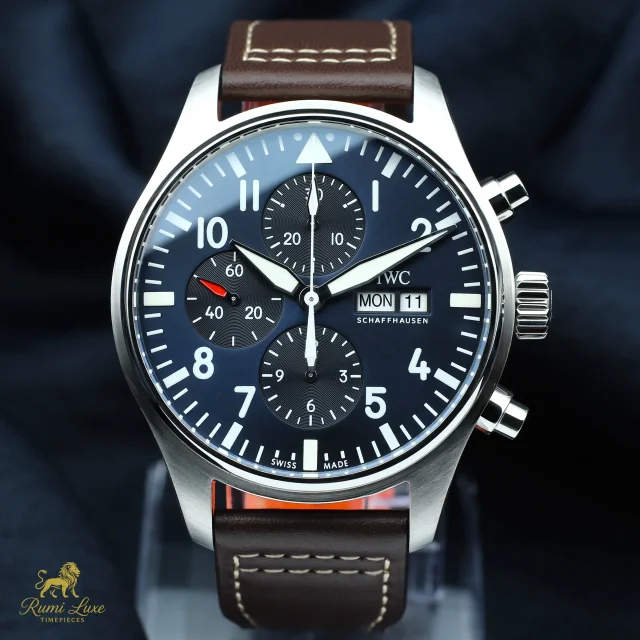
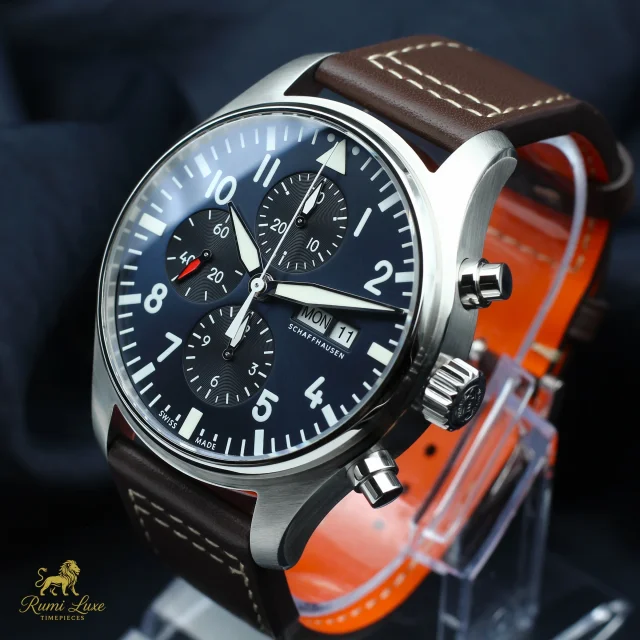
06Swipe to browse photos. On desktop, click the glowing edges to change photos. Use the left and right arrow keys when focused. Select the center of a photo to view the watch.
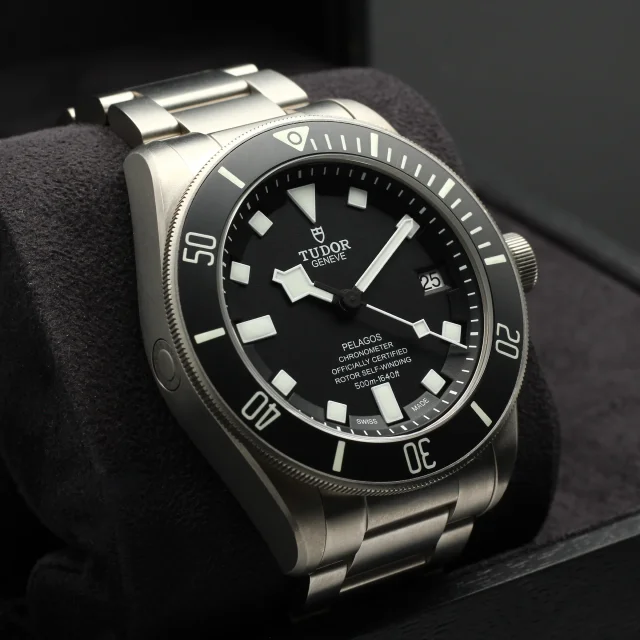
TudorPelagos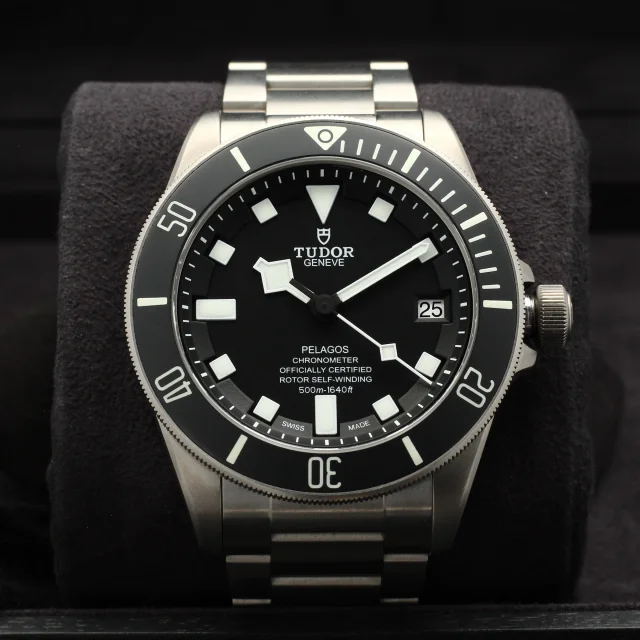
07Swipe to browse photos. On desktop, click the glowing edges to change photos. Use the left and right arrow keys when focused. Select the center of a photo to view the watch.
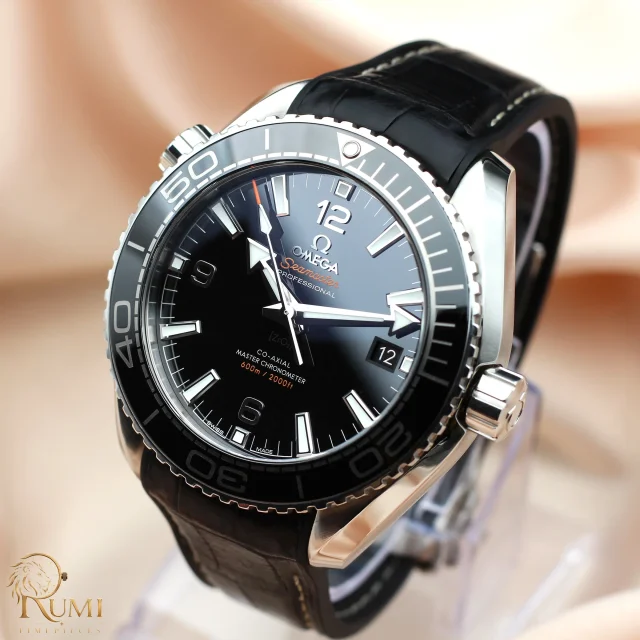
OmegaSeamaster Planet Ocean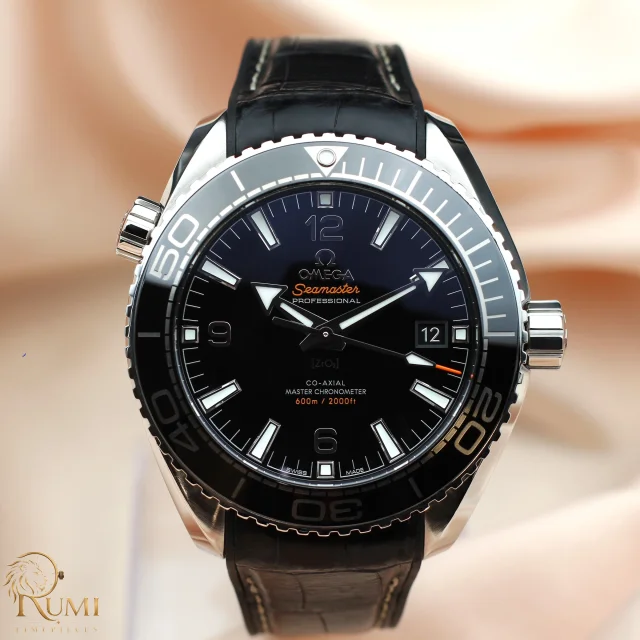
08Swipe to browse photos. On desktop, click the glowing edges to change photos. Use the left and right arrow keys when focused. Select the center of a photo to view the watch.
CartierTank MC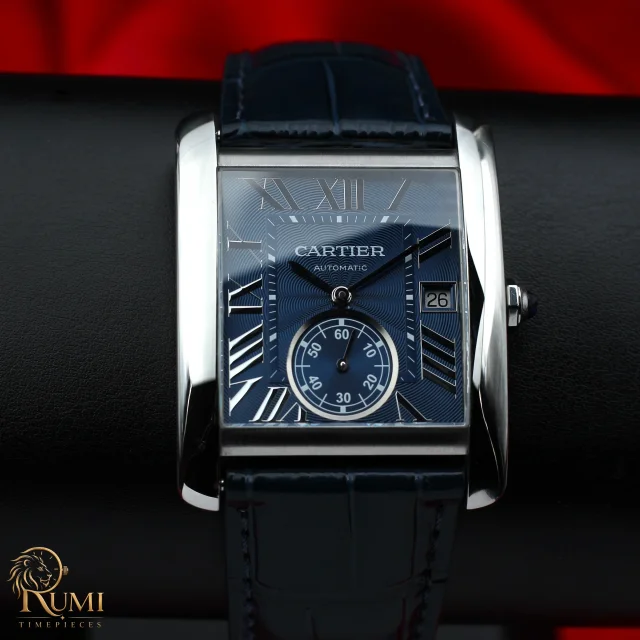
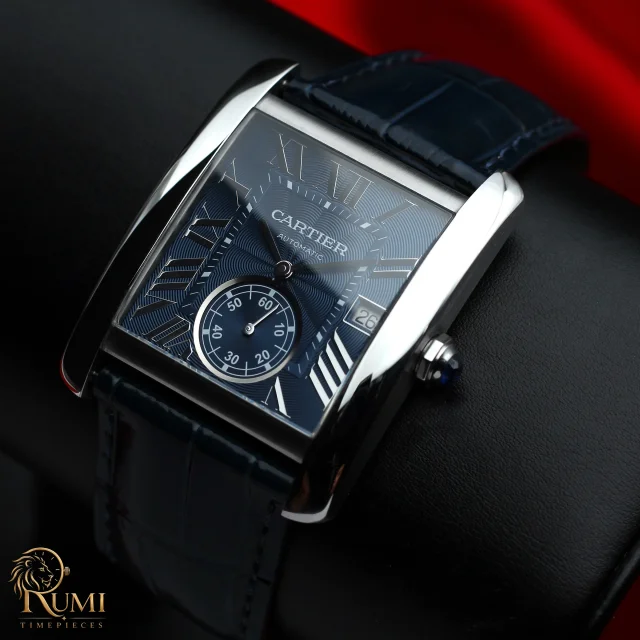
09Swipe to browse photos. On desktop, click the glowing edges to change photos. Use the left and right arrow keys when focused. Select the center of a photo to view the watch.
BreitlingNavitimer 1 B01 Chronograph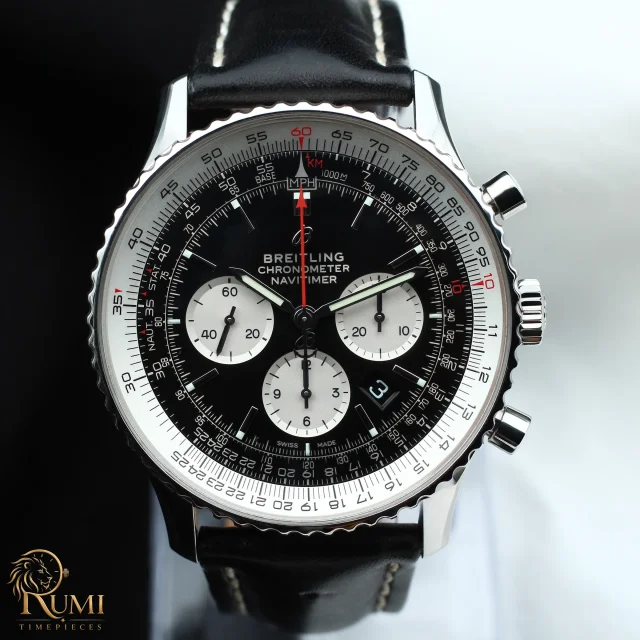
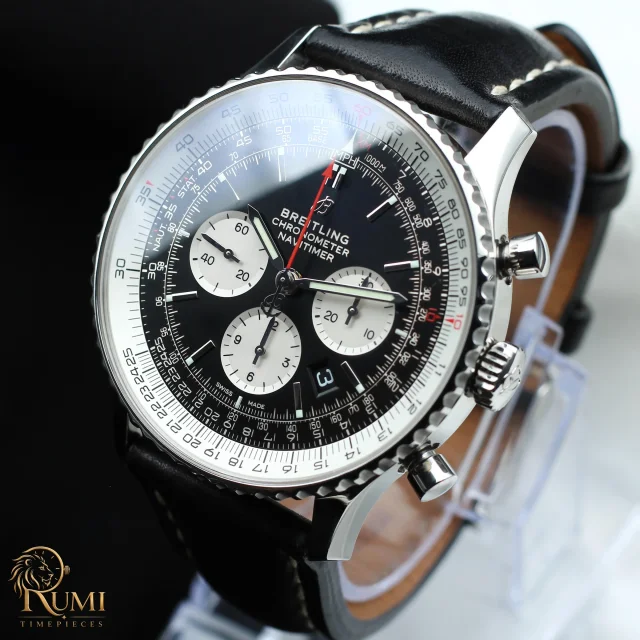
10Swipe to browse photos. On desktop, click the glowing edges to change photos. Use the left and right arrow keys when focused. Select the center of a photo to view the watch.
IWCPilot Mark XX
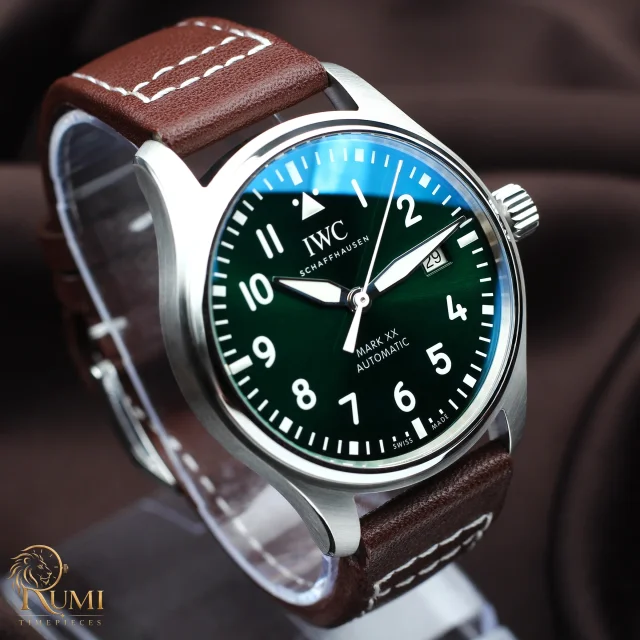
11Swipe to browse photos. On desktop, click the glowing edges to change photos. Use the left and right arrow keys when focused. Select the center of a photo to view the watch.
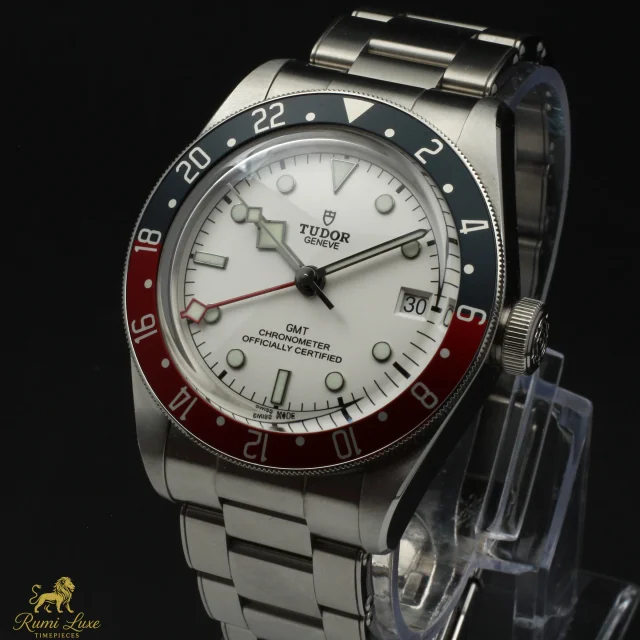
TudorBlack Bay GMT (Opaline)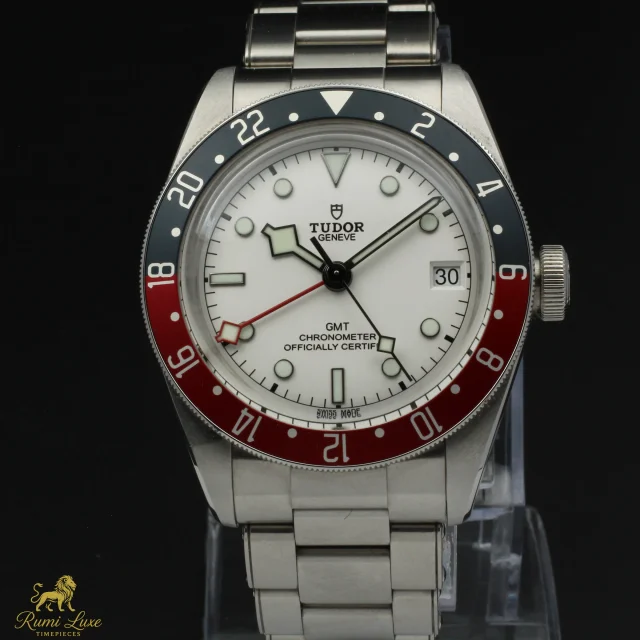
12Swipe to browse photos. On desktop, click the glowing edges to change photos. Use the left and right arrow keys when focused. Select the center of a photo to view the watch.
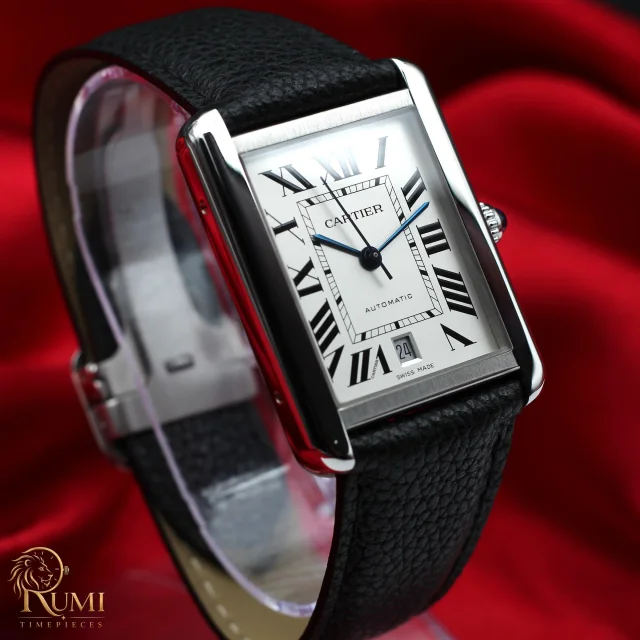
CartierTank Solo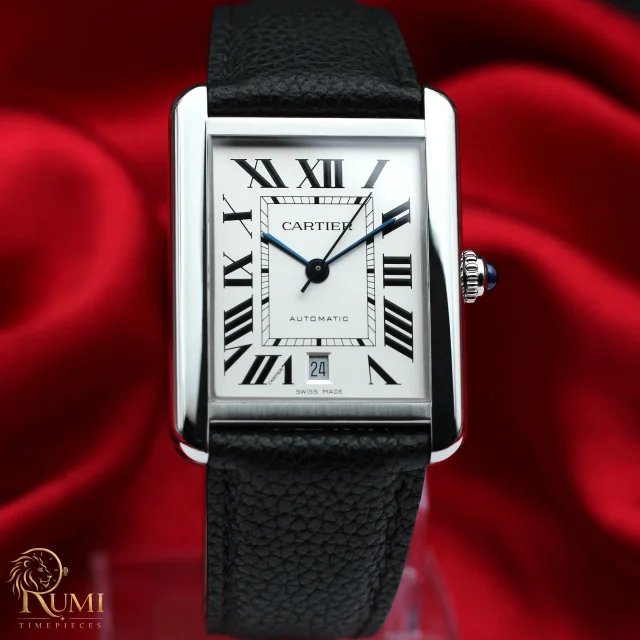
13Swipe to browse photos. On desktop, click the glowing edges to change photos. Use the left and right arrow keys when focused. Select the center of a photo to view the watch.
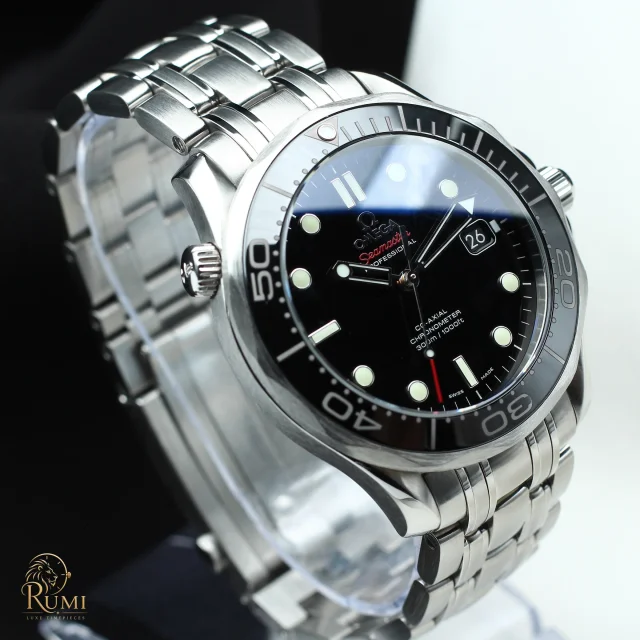
OmegaSeamaster Diver 300 M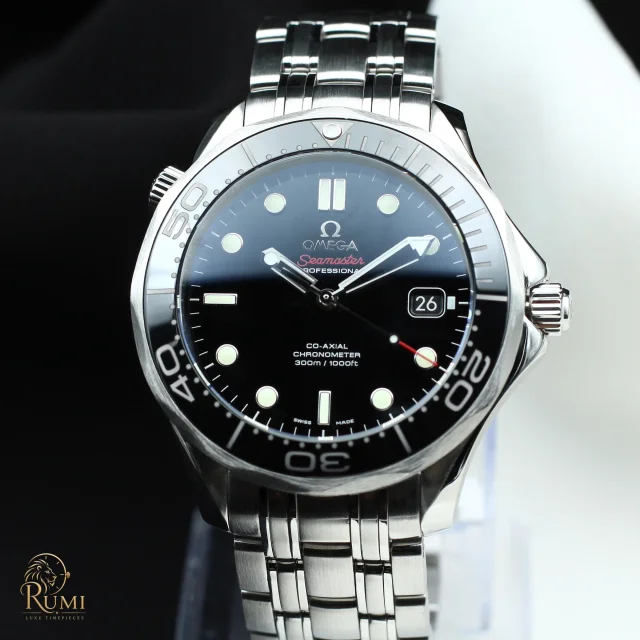
14Swipe to browse photos. On desktop, click the glowing edges to change photos. Use the left and right arrow keys when focused. Select the center of a photo to view the watch.
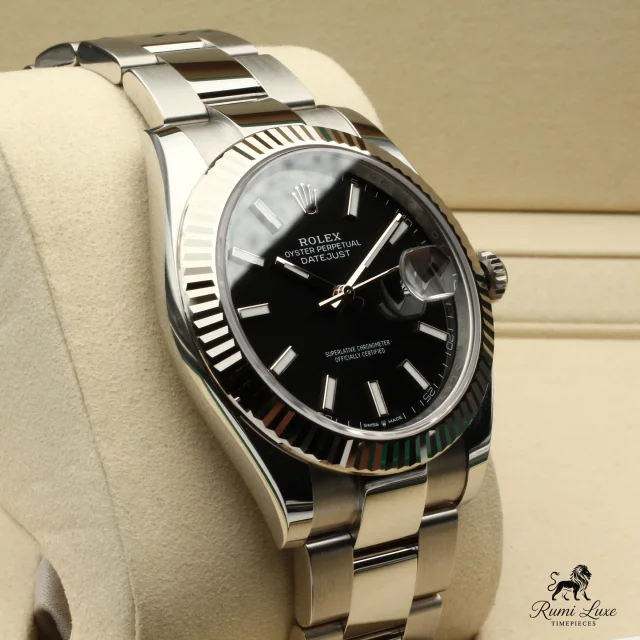
RolexDatejust 41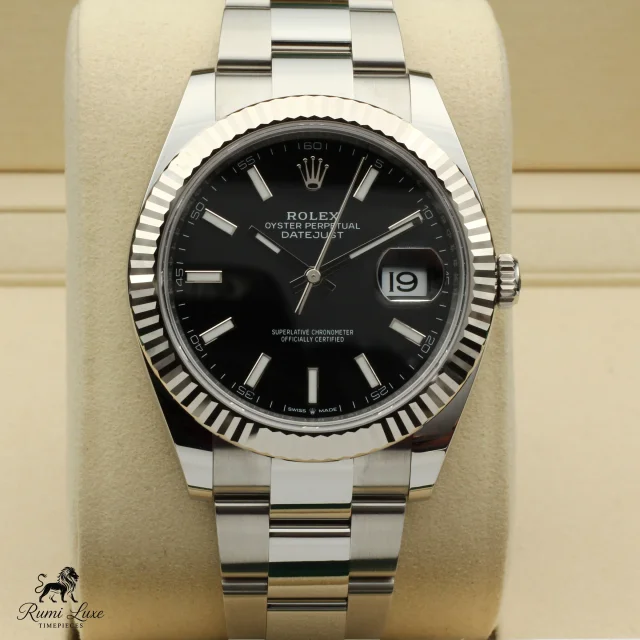
15Swipe to browse photos. On desktop, click the glowing edges to change photos. Use the left and right arrow keys when focused. Select the center of a photo to view the watch.
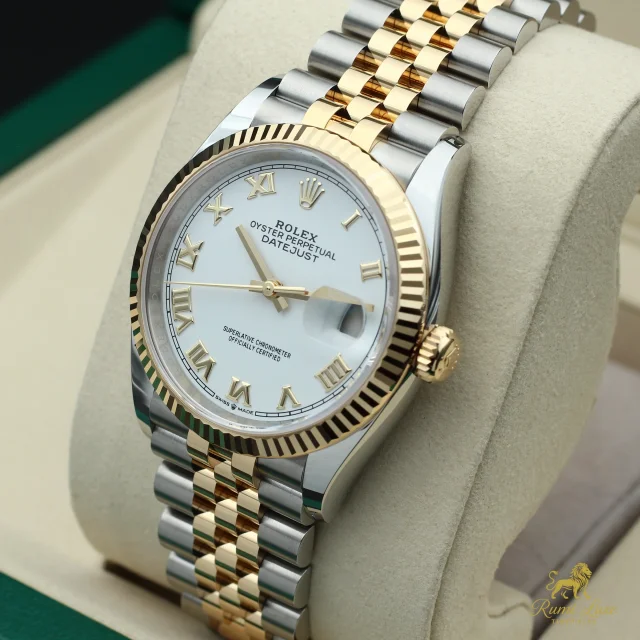
RolexDatejust 36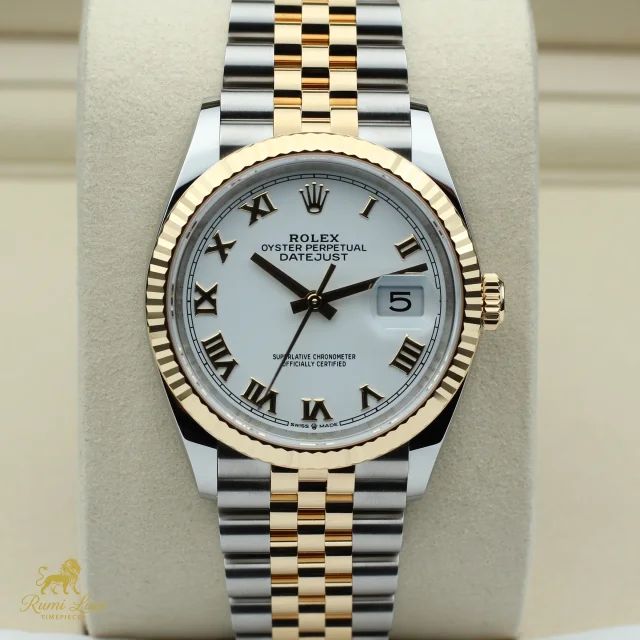
17Swipe to browse photos. On desktop, click the glowing edges to change photos. Use the left and right arrow keys when focused. Select the center of a photo to view the watch.
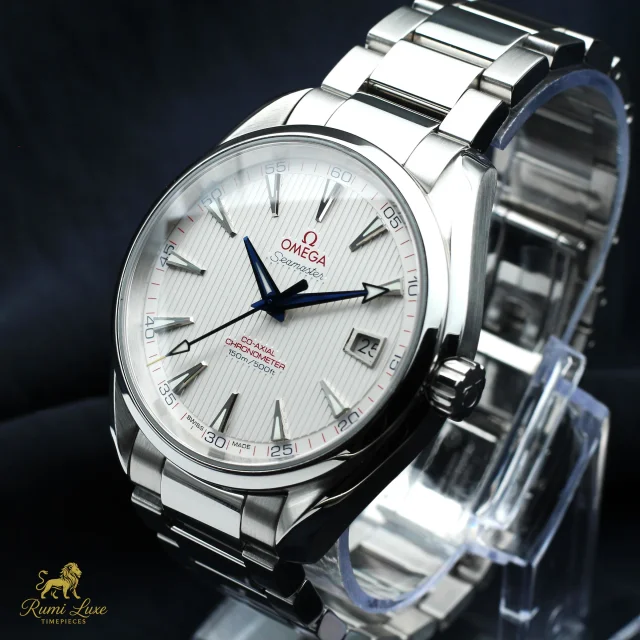
OmegaSeamaster Aqua Terra
18Swipe to browse photos. On desktop, click the glowing edges to change photos. Use the left and right arrow keys when focused. Select the center of a photo to view the watch.
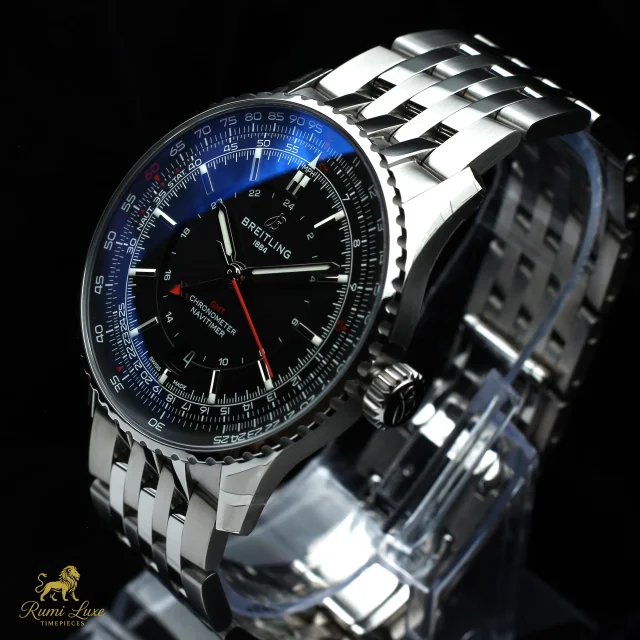
BreitlingNavitimer GMT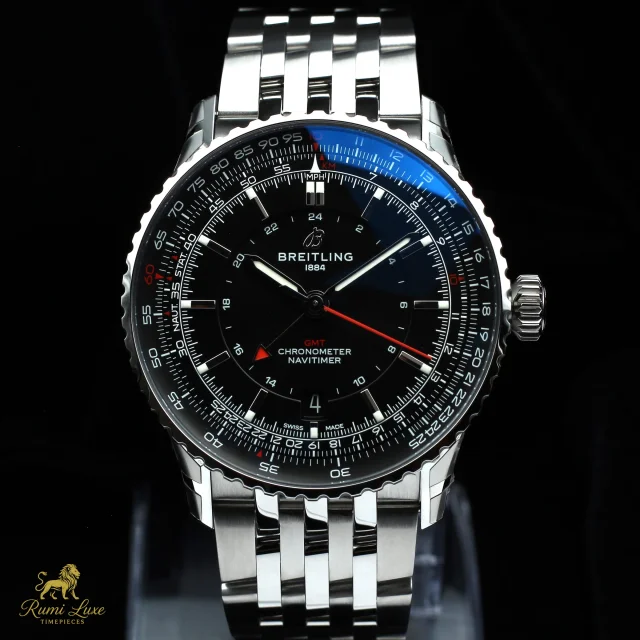
19Swipe to browse photos. On desktop, click the glowing edges to change photos. Use the left and right arrow keys when focused. Select the center of a photo to view the watch.
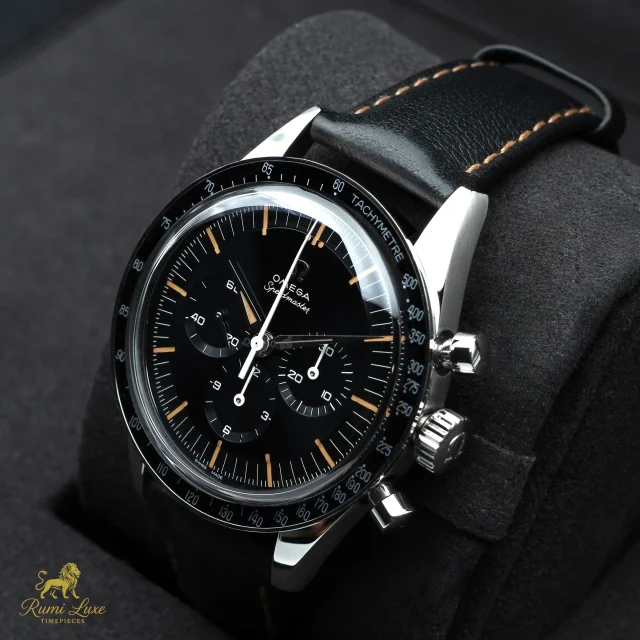
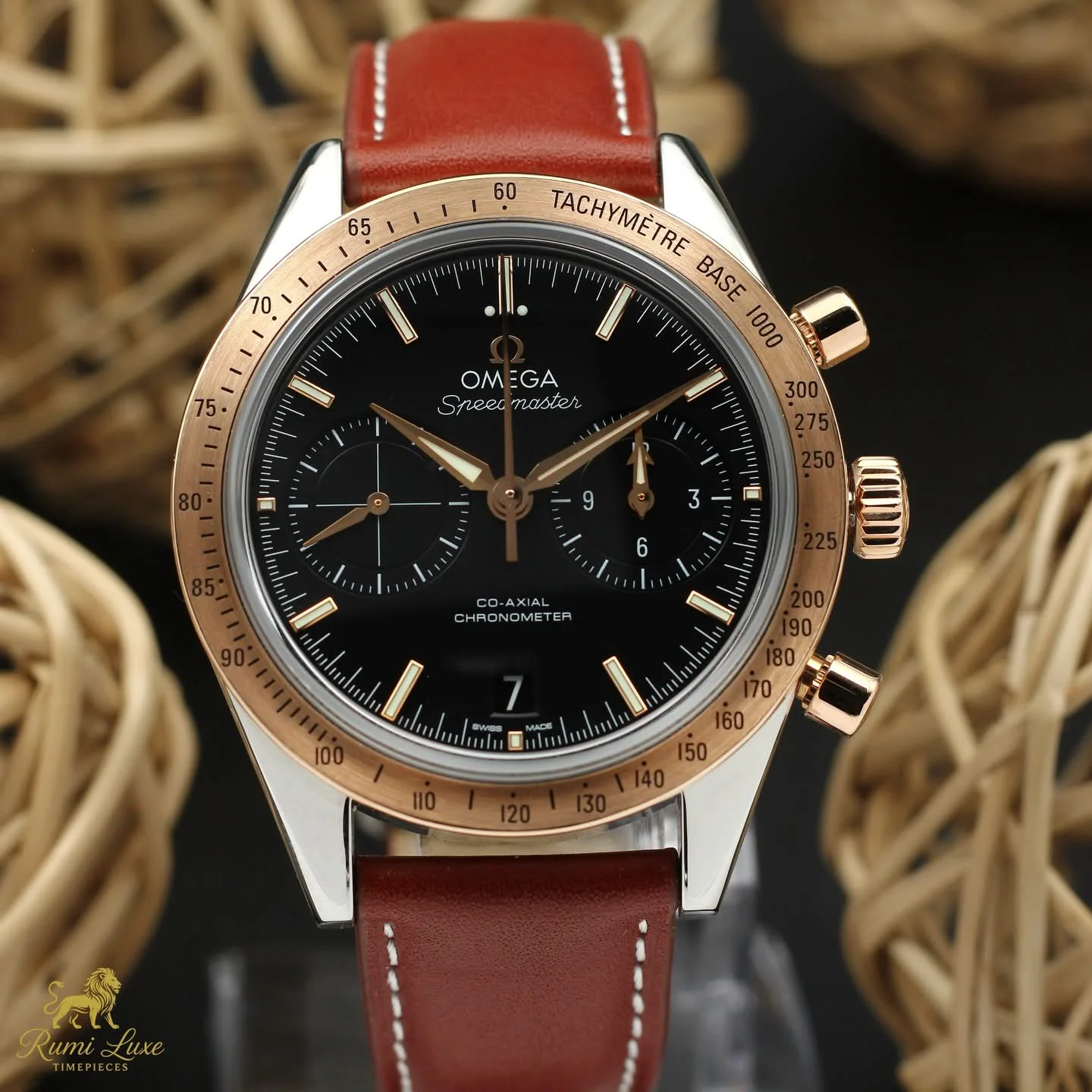
OmegaSpeedmaster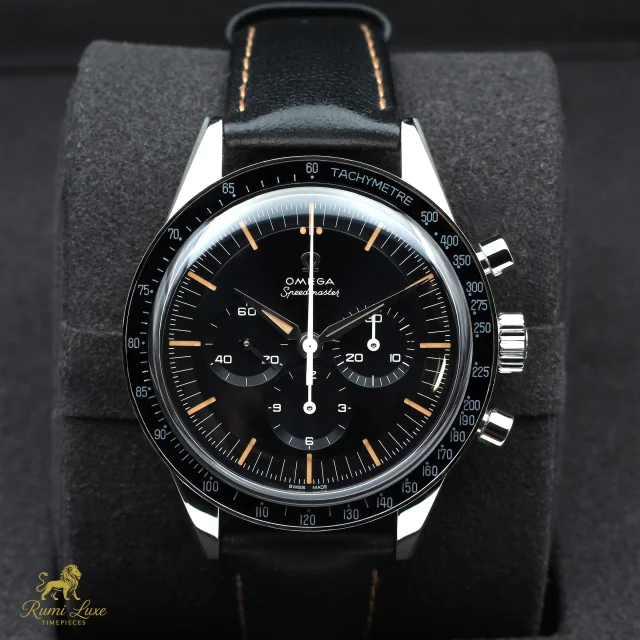
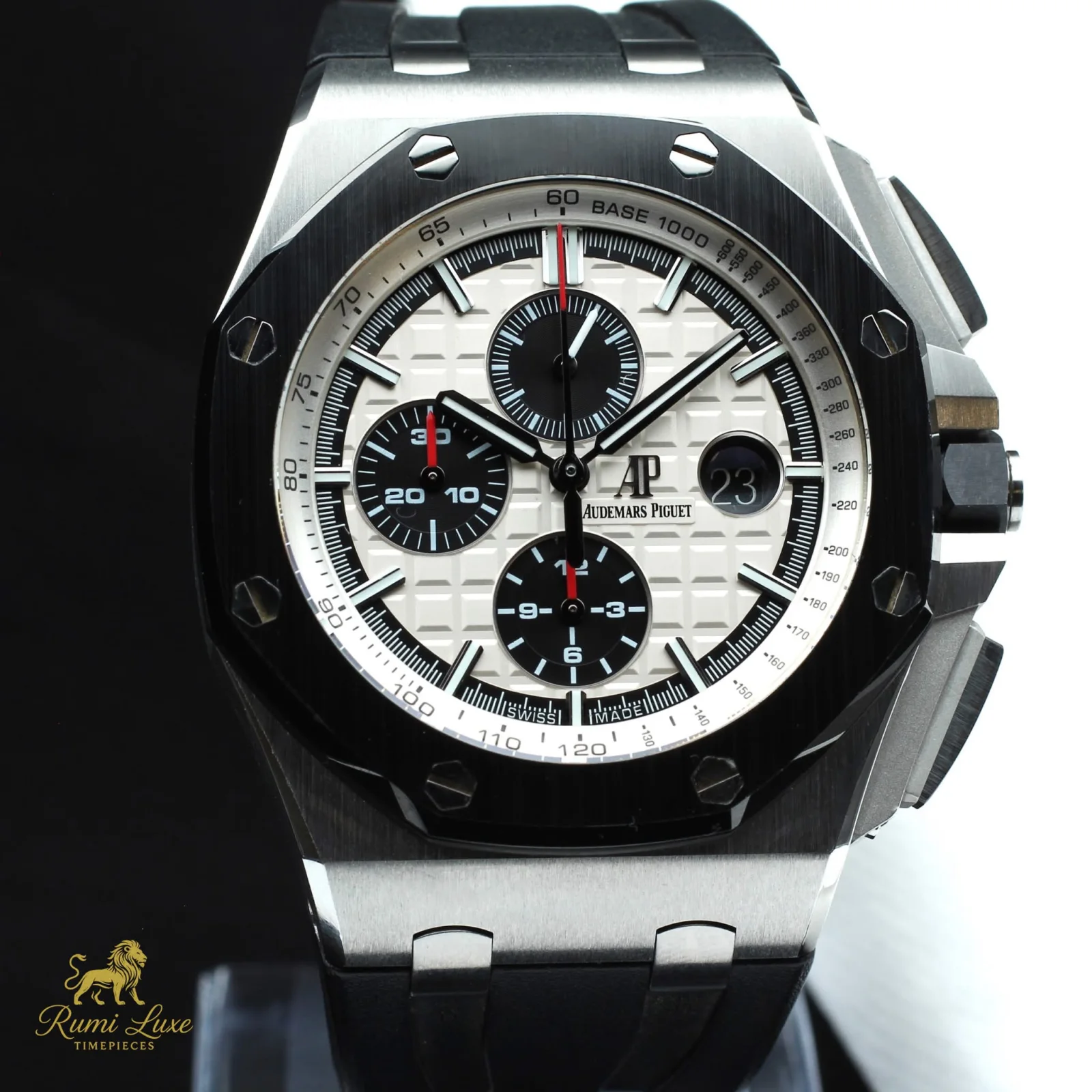
21Swipe to browse photos. On desktop, click the glowing edges to change photos. Use the left and right arrow keys when focused. Select the center of a photo to view the watch.
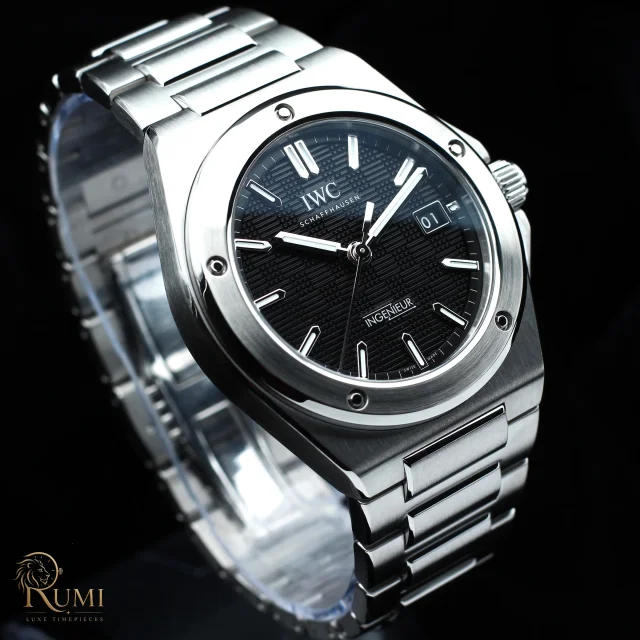
IWCIngenieur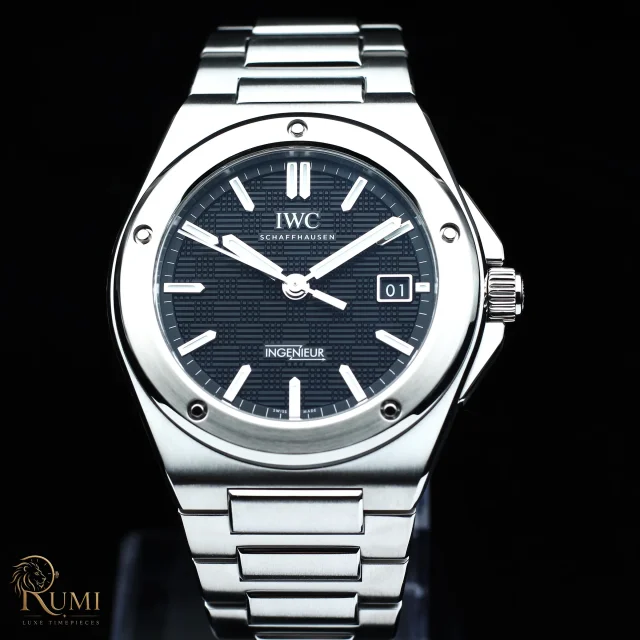
23Swipe to browse photos. On desktop, click the glowing edges to change photos. Use the left and right arrow keys when focused. Select the center of a photo to view the watch.
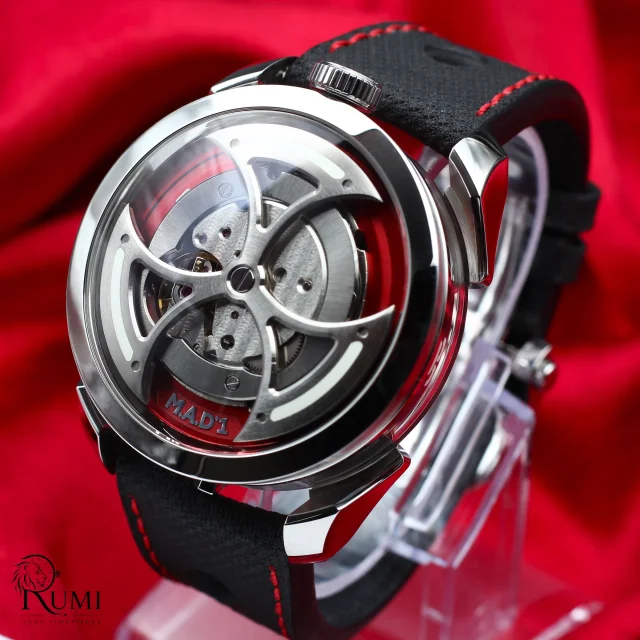
M.A.DRED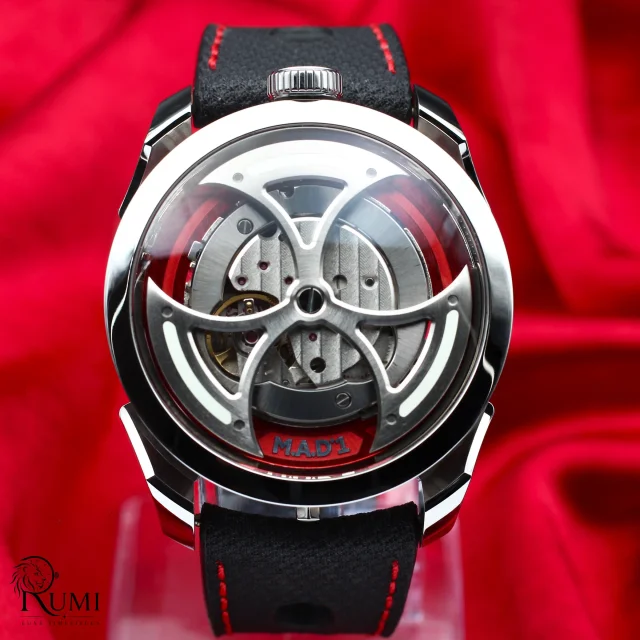
25Swipe to browse photos. On desktop, click the glowing edges to change photos. Use the left and right arrow keys when focused. Select the center of a photo to view the watch.
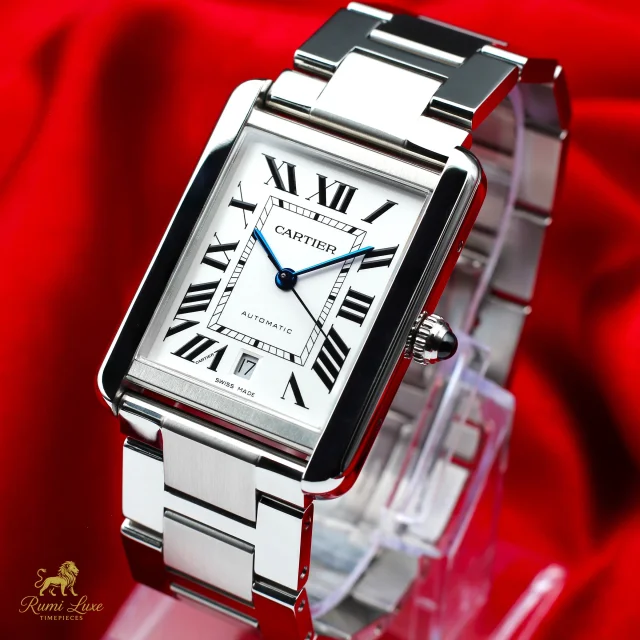
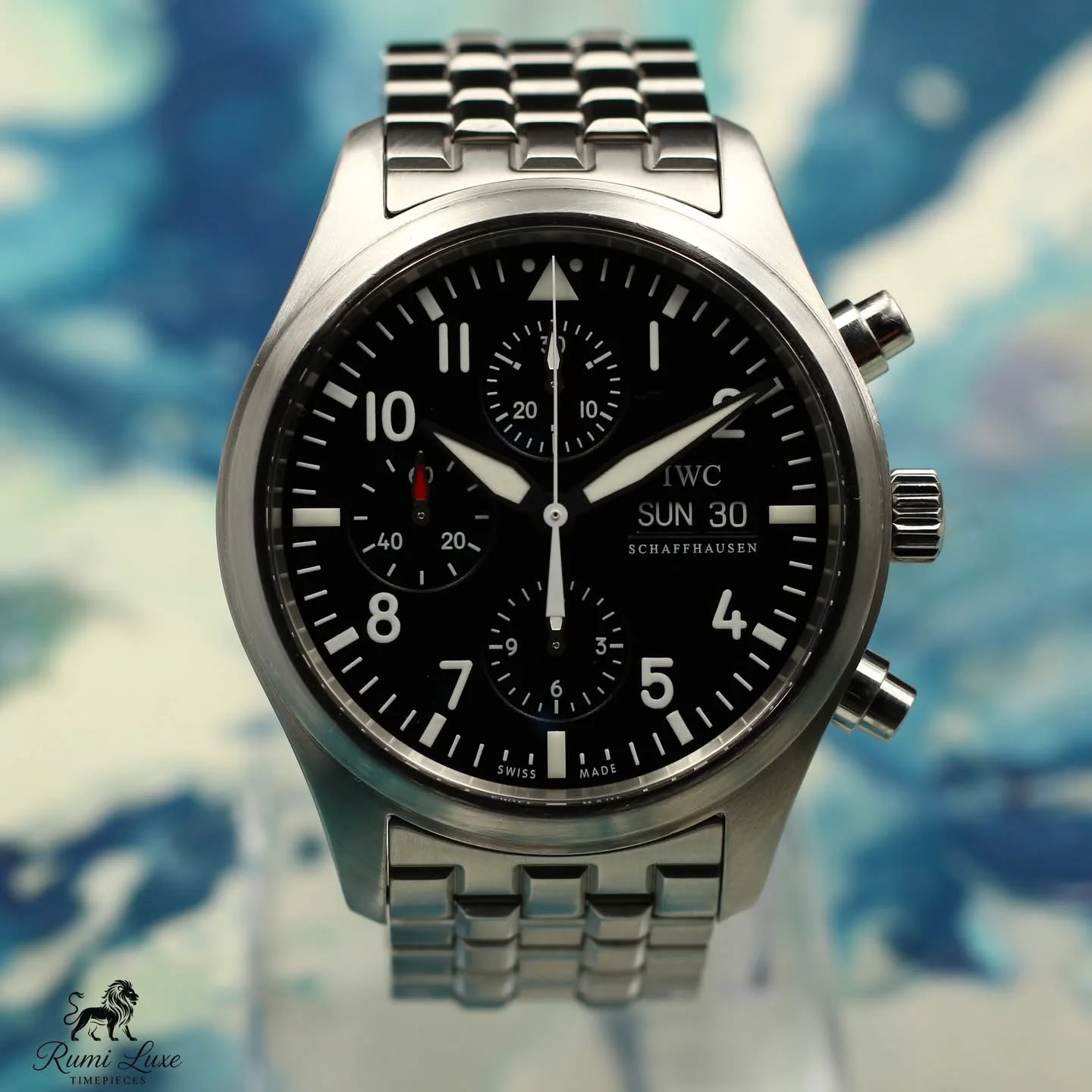
CartierTank Solo XL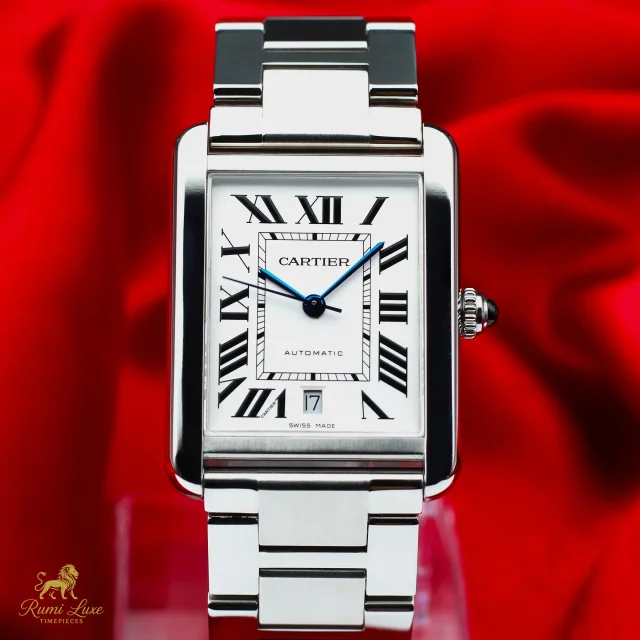
27Swipe to browse photos. On desktop, click the glowing edges to change photos. Use the left and right arrow keys when focused. Select the center of a photo to view the watch.
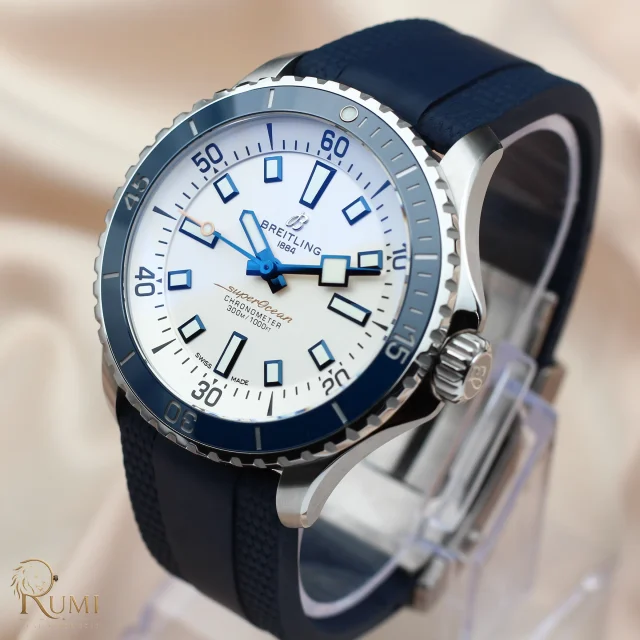
BreitlingSuperocean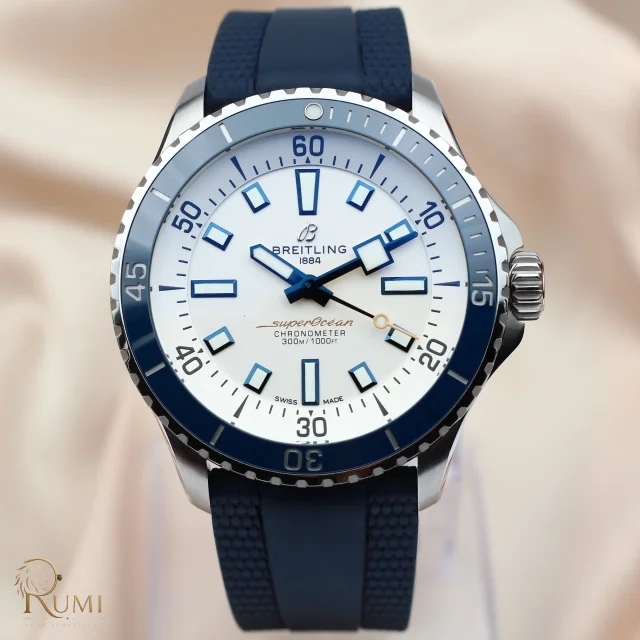
28Swipe to browse photos. On desktop, click the glowing edges to change photos. Use the left and right arrow keys when focused. Select the center of a photo to view the watch.
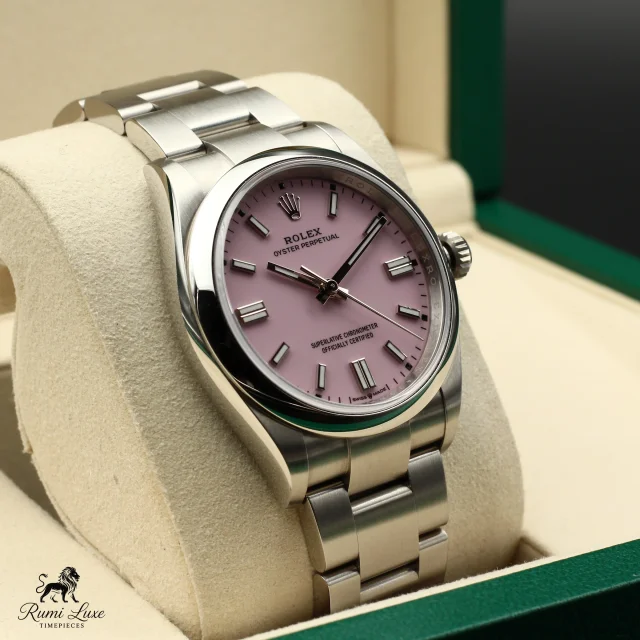
RolexOyster Perpetual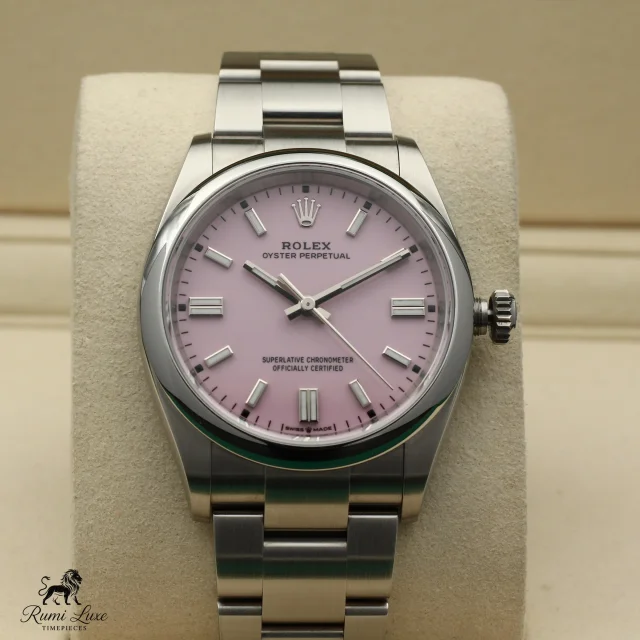
29Swipe to browse photos. On desktop, click the glowing edges to change photos. Use the left and right arrow keys when focused. Select the center of a photo to view the watch.
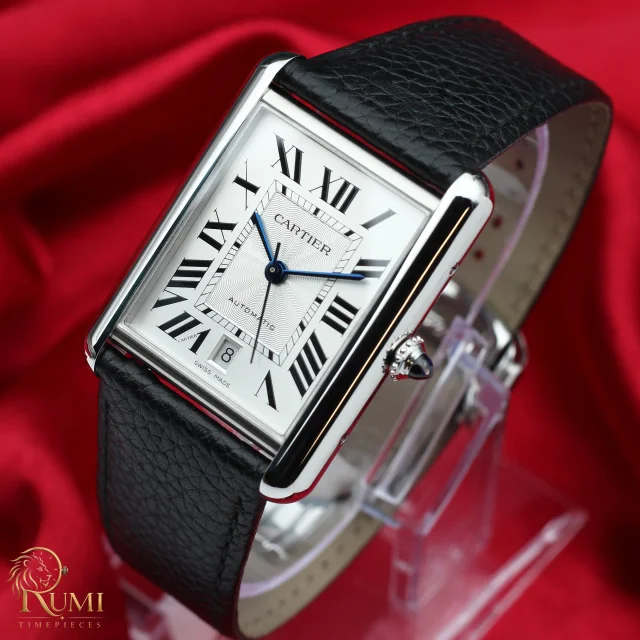
CartierTank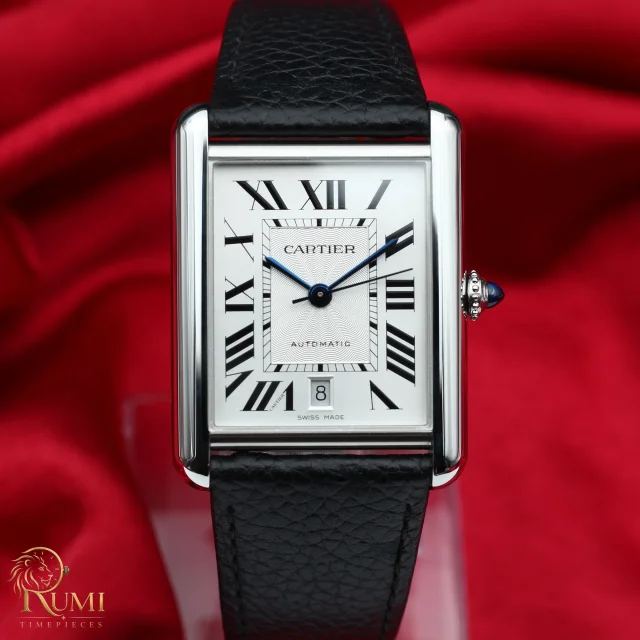
30Swipe to browse photos. On desktop, click the glowing edges to change photos. Use the left and right arrow keys when focused. Select the center of a photo to view the watch.
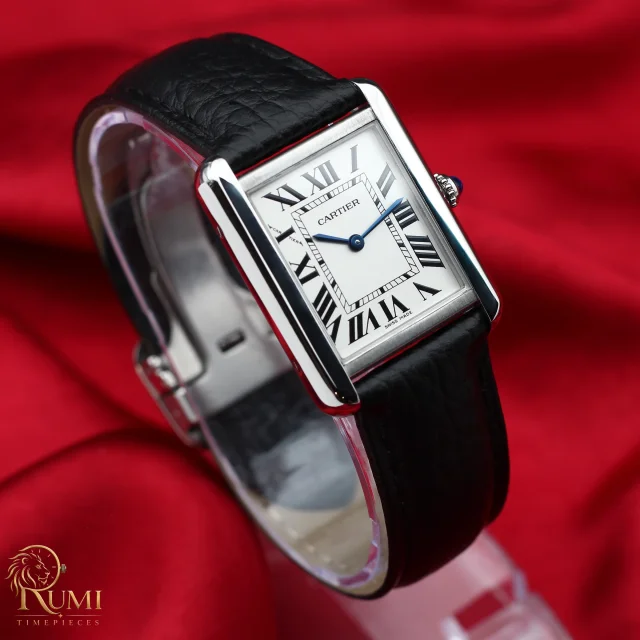
CartierTank Solo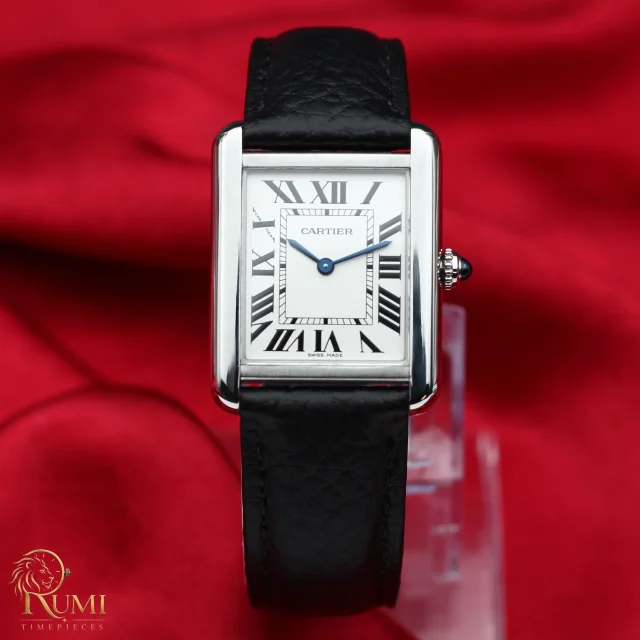
31Swipe to browse photos. On desktop, click the glowing edges to change photos. Use the left and right arrow keys when focused. Select the center of a photo to view the watch.
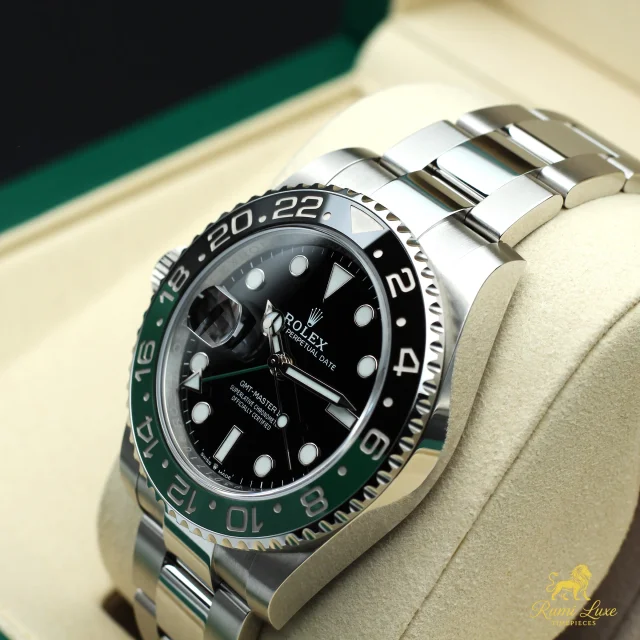
RolexGMT-Master II (Sprite)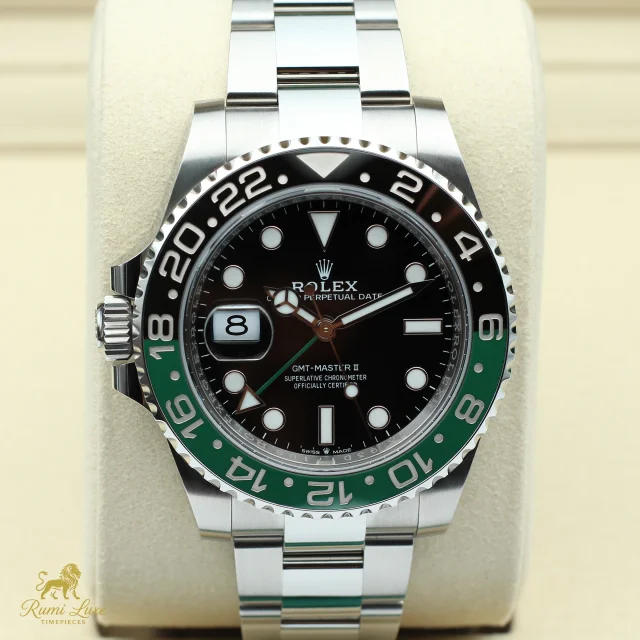
32Swipe to browse photos. On desktop, click the glowing edges to change photos. Use the left and right arrow keys when focused. Select the center of a photo to view the watch.
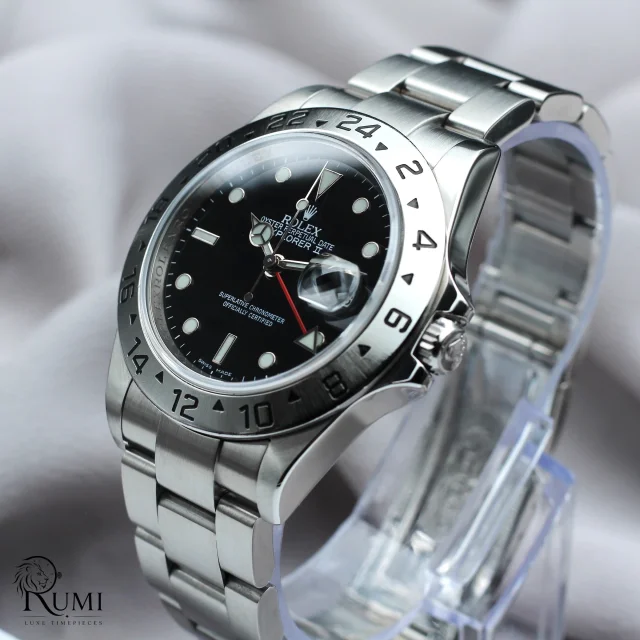
RolexExplorer II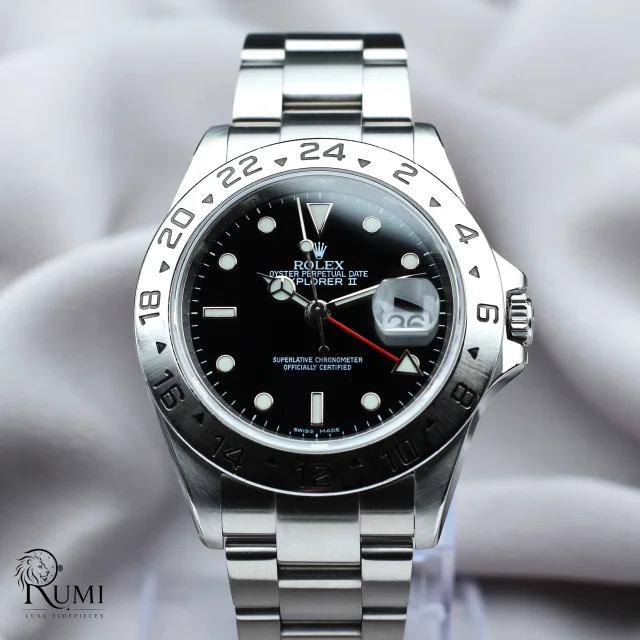
33Swipe to browse photos. On desktop, click the glowing edges to change photos. Use the left and right arrow keys when focused. Select the center of a photo to view the watch.
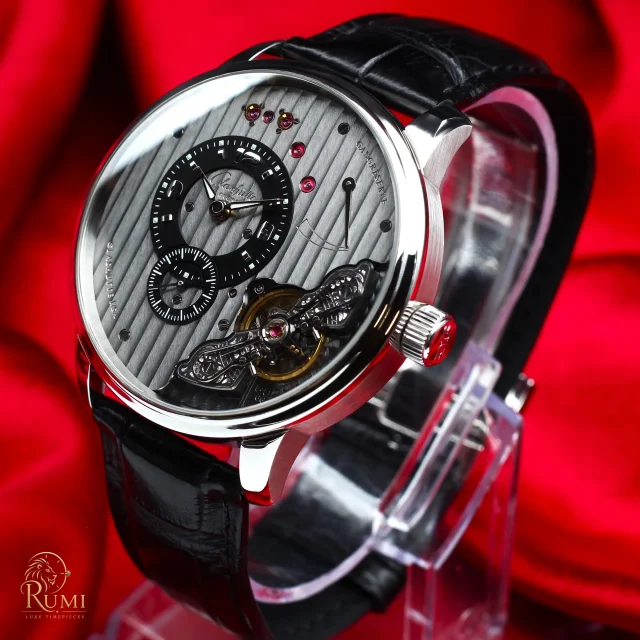
GlashüttePanoInverse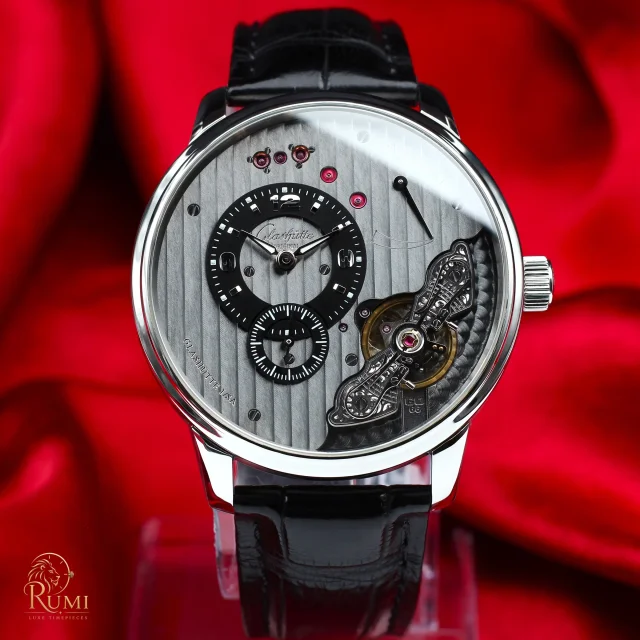
34Swipe to browse photos. On desktop, click the glowing edges to change photos. Use the left and right arrow keys when focused. Select the center of a photo to view the watch.
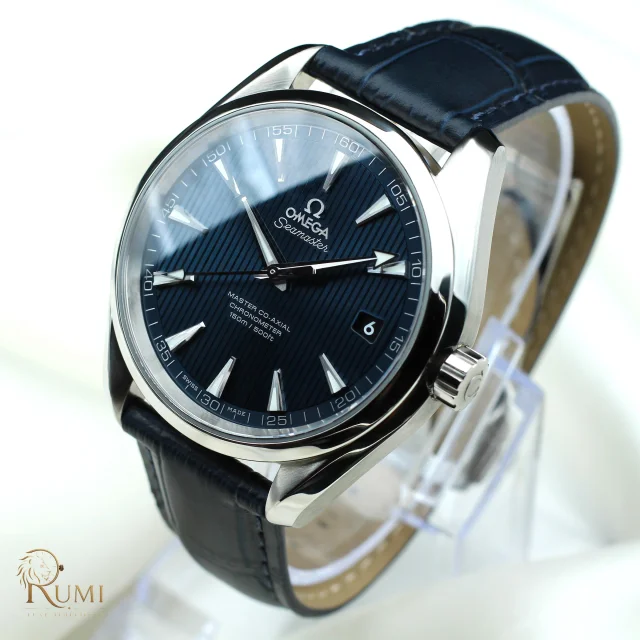
OmegaSeamaster Aqua Terra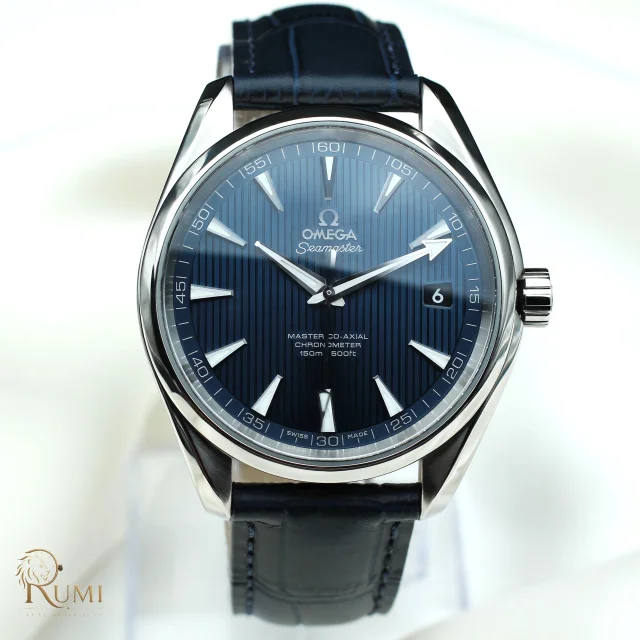
35Swipe to browse photos. On desktop, click the glowing edges to change photos. Use the left and right arrow keys when focused. Select the center of a photo to view the watch.
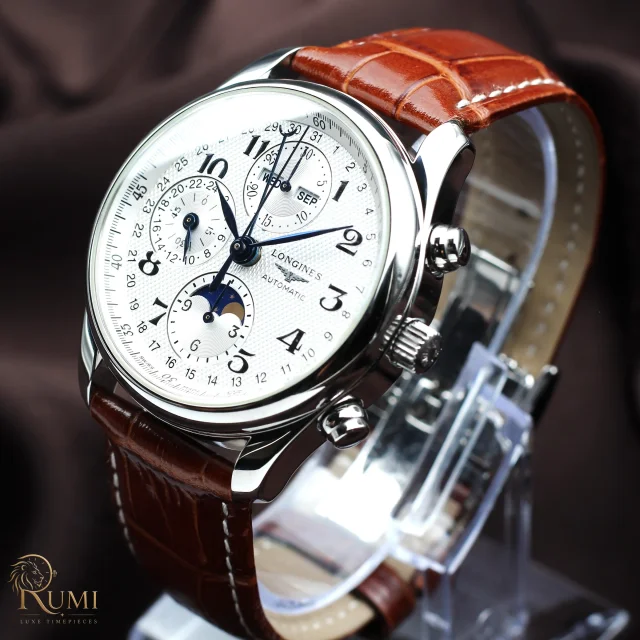
LonginesMaster Collection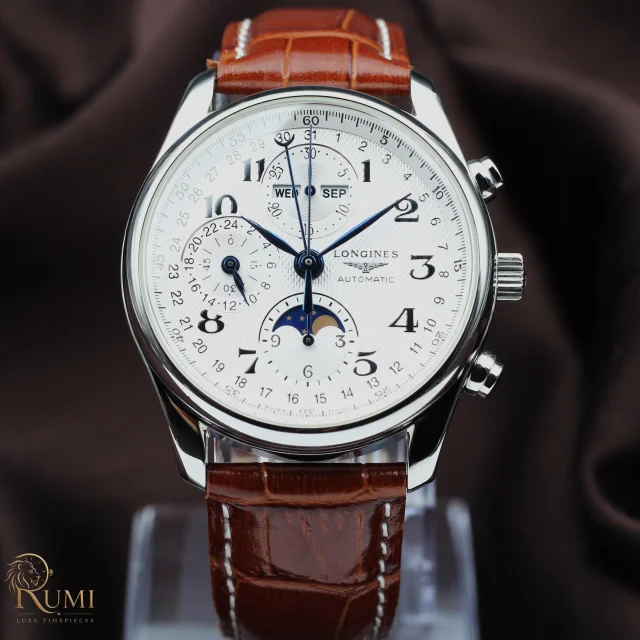
36Swipe to browse photos. On desktop, click the glowing edges to change photos. Use the left and right arrow keys when focused. Select the center of a photo to view the watch.
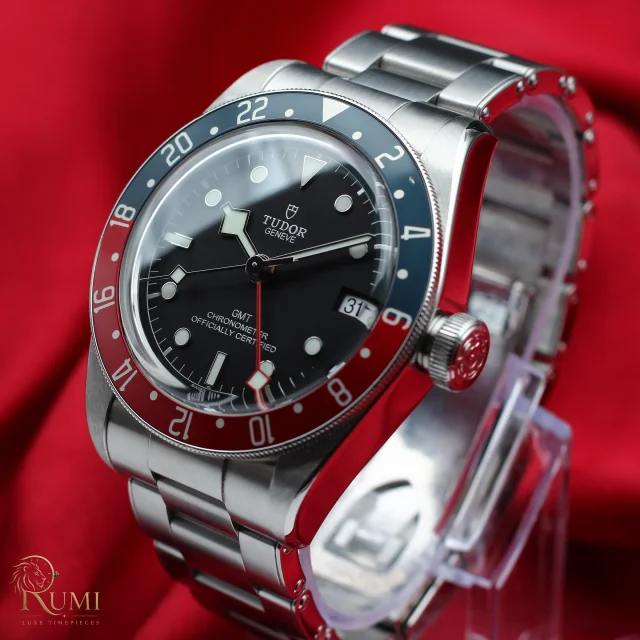
TudorBlack Bay GMT
37Swipe to browse photos. On desktop, click the glowing edges to change photos. Use the left and right arrow keys when focused. Select the center of a photo to view the watch.
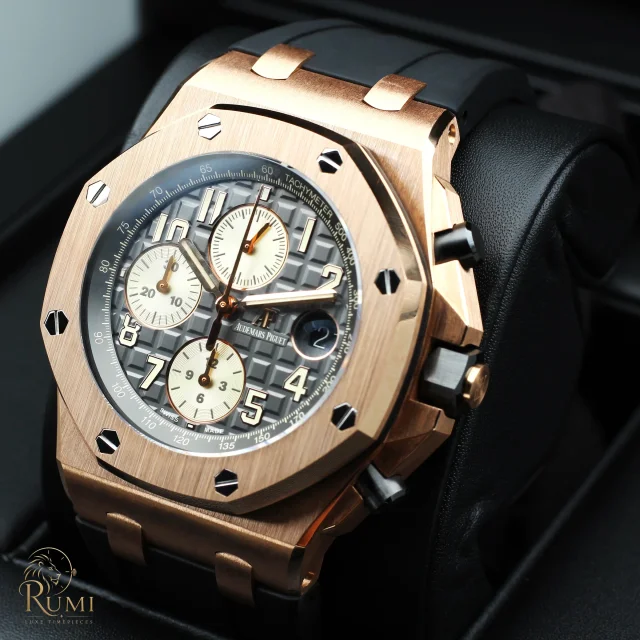
Audemars PiguetRoyal Oak Offshore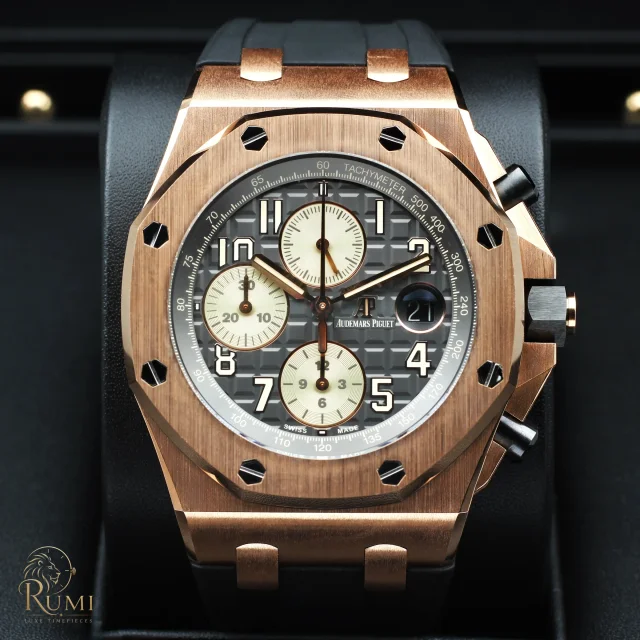
38Swipe to browse photos. On desktop, click the glowing edges to change photos. Use the left and right arrow keys when focused. Select the center of a photo to view the watch.
OmegaSeamaster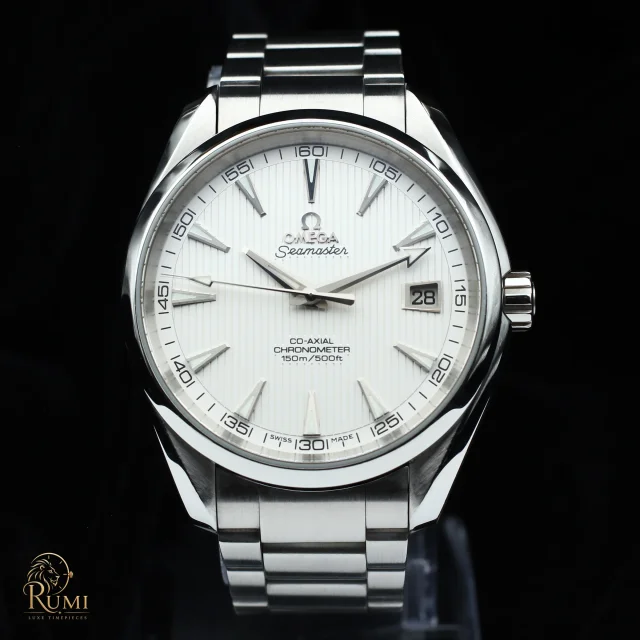
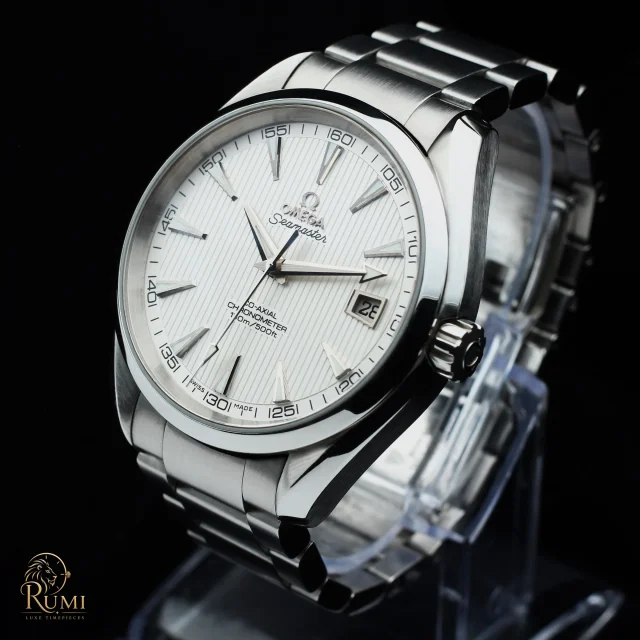
39Swipe to browse photos. On desktop, click the glowing edges to change photos. Use the left and right arrow keys when focused. Select the center of a photo to view the watch.
IWCPilot Spitfire Chronograph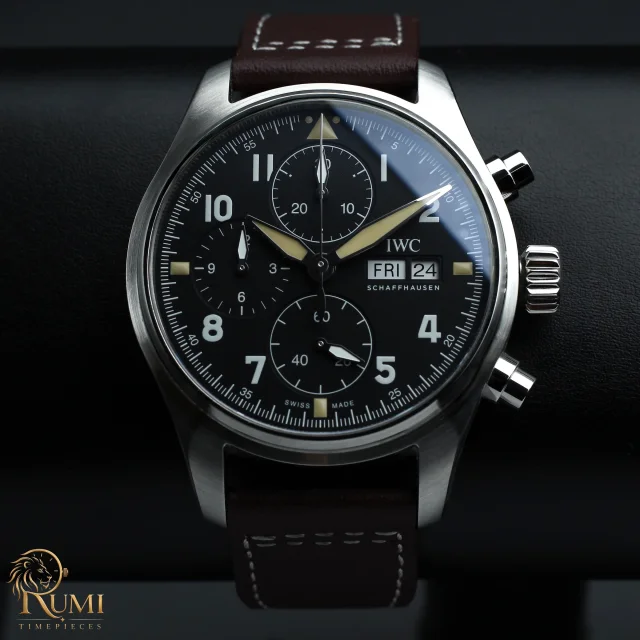
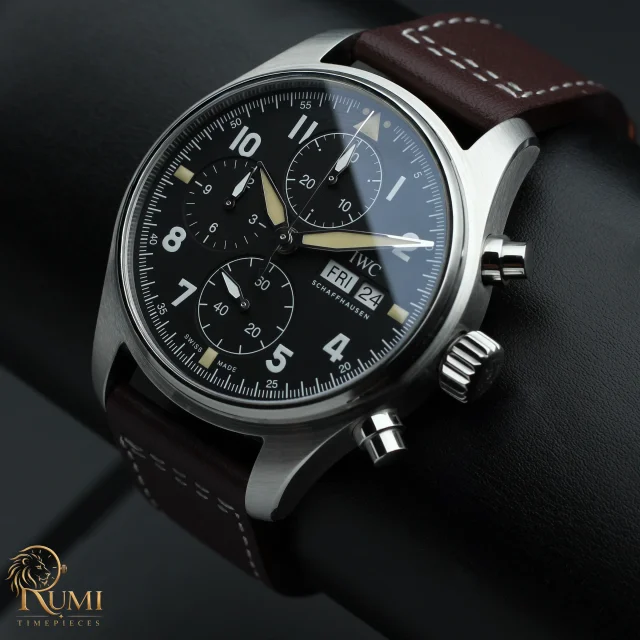
40Swipe to browse photos. On desktop, click the glowing edges to change photos. Use the left and right arrow keys when focused. Select the center of a photo to view the watch.
OmegaSeamaster Planet Ocean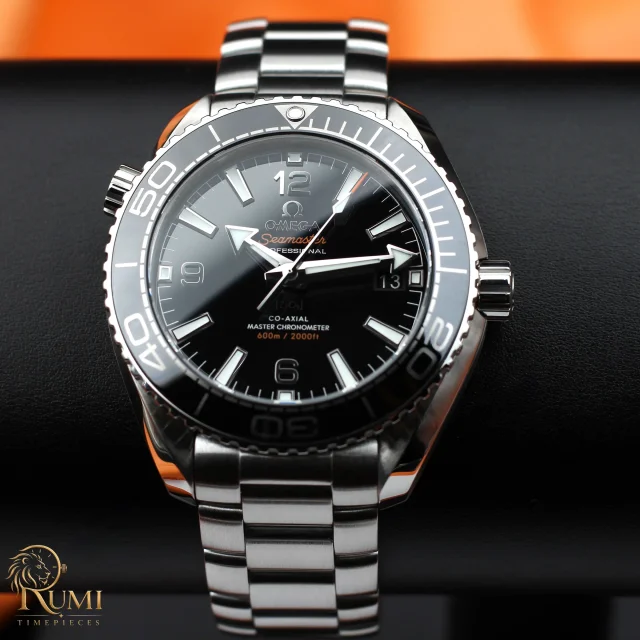
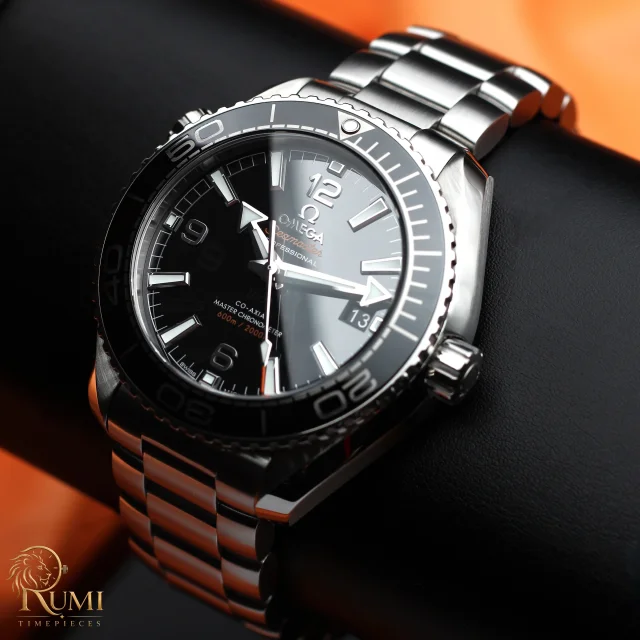
41Swipe to browse photos. On desktop, click the glowing edges to change photos. Use the left and right arrow keys when focused. Select the center of a photo to view the watch.
OmegaSeamaster Aqua Terra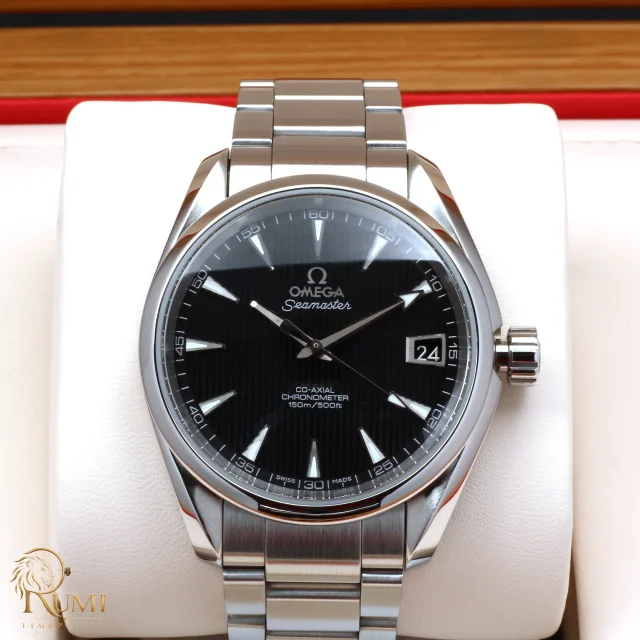
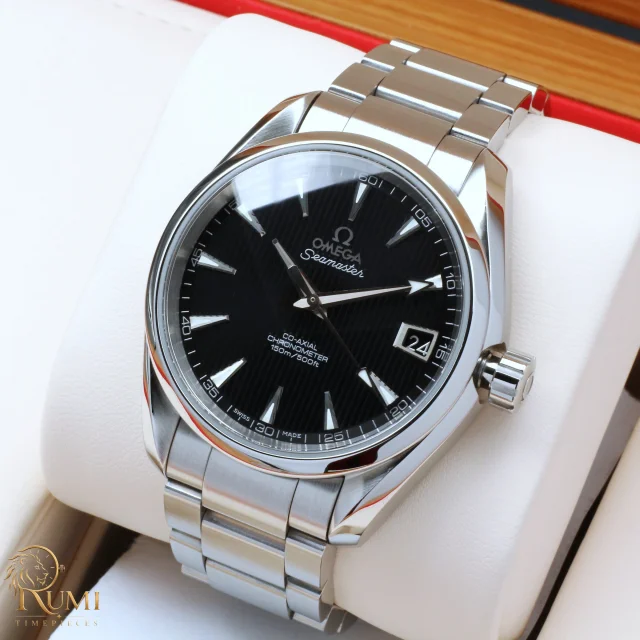
42Swipe to browse photos. On desktop, click the glowing edges to change photos. Use the left and right arrow keys when focused. Select the center of a photo to view the watch.
OmegaSeamaster Planet Ocean
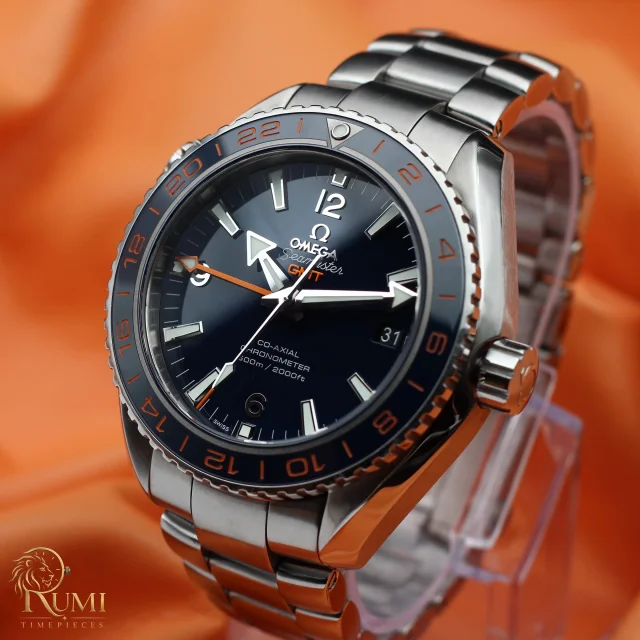
43Swipe to browse photos. On desktop, click the glowing edges to change photos. Use the left and right arrow keys when focused. Select the center of a photo to view the watch.
OmegaSeamaster Diver 300 M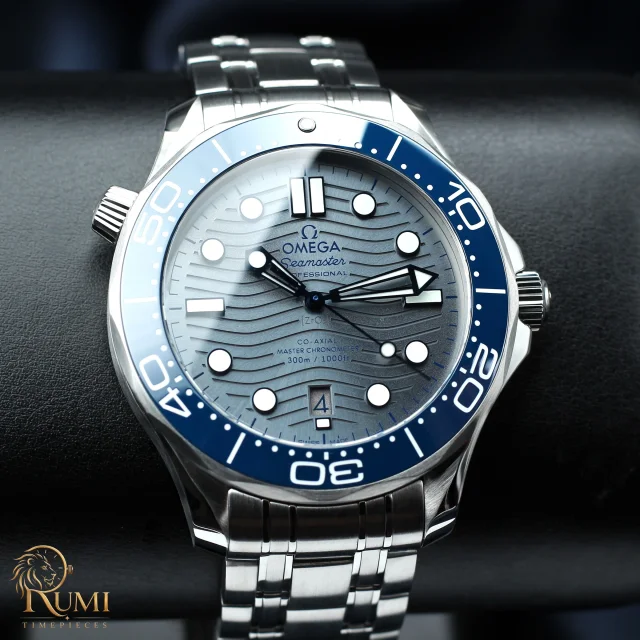
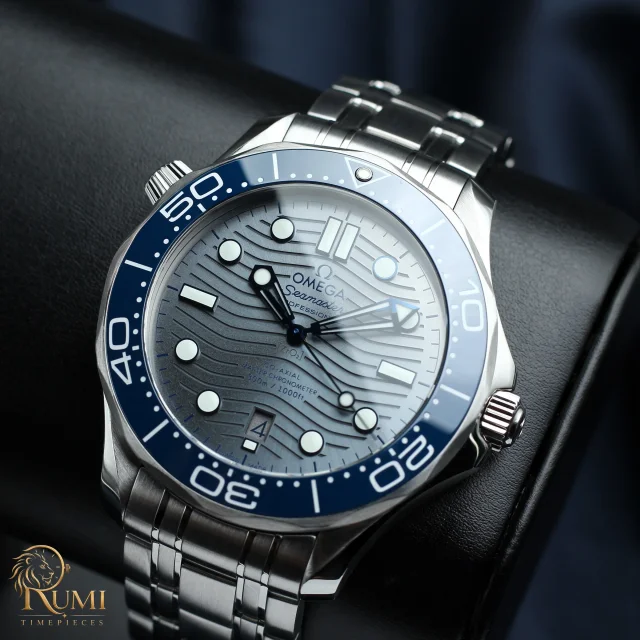
44Swipe to browse photos. On desktop, click the glowing edges to change photos. Use the left and right arrow keys when focused. Select the center of a photo to view the watch.
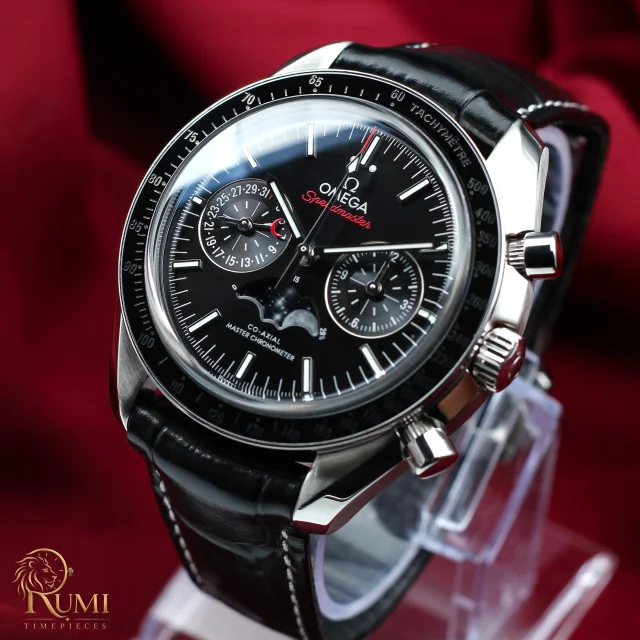
OmegaSpeedmaster Moonphase
Private sourcing
Still looking for the right watch?
Tell us the brand, model, or reference you have in mind.
Private sourcing by Rumi Timepieces